Job Maintenance
This article describes how the job maintenance is done in Skills Workflow when there is an interface with iSAP in place.
For what the iSAP integration covers overall — employees, clients, products and the job exchange — see iSAP.
Job Creation in Skills Workflow
After a Job is created in Skills Workflow, it will automatically flow to iSAP. Every time a job is modified it will update the information in iSAP. Once complete, the job needs to be closed in iSAP.
Job Creation in iSAP
After a Job is created in iSAP, it will automatically create a new project and job in Skills Workflow.
- Mappings
- Workflow
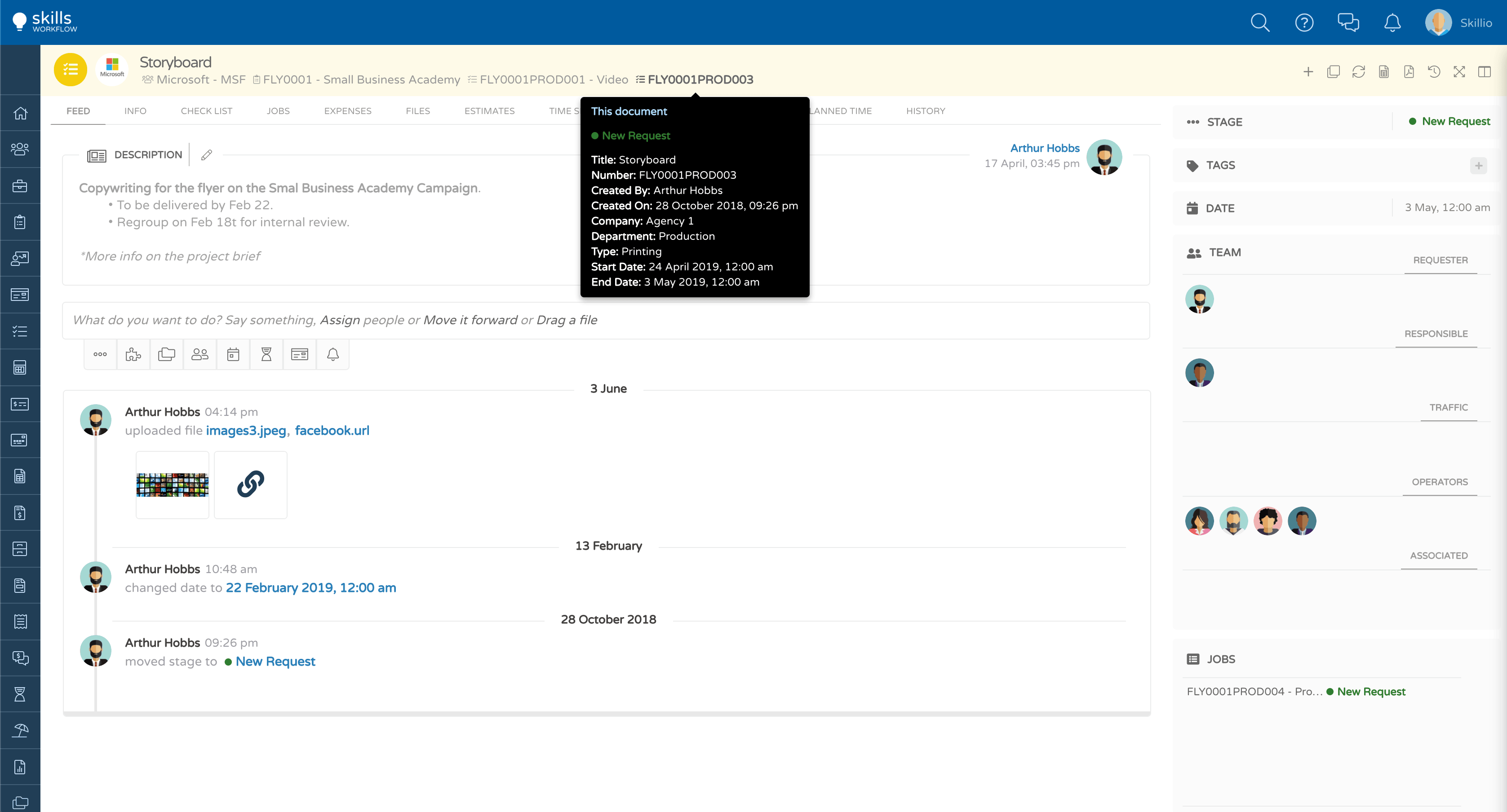
The job fields that synch with iSAP are (SW vs iSAP names):
- Number - Job Title
- Title - Job Description (the first 40 characters)
- Description - all the characters are added to the jobs' description in Skills Workflow
- Company
- Job Type
- Client Code
- Product Code
- Department - Cost Center
- Start Date - Estimated Start Date
- End Date - Estimated EndDate
- Active Flag
- The Account Executive and Account Manager are included in the job's export
- Account Manager is the Project Owner
- Account Executive is the Job creator
- In order for a job to be exported to iSAP, the Project Owner and Job Creator needs to be marked as AM/AE in iSAP, otherwise it will generate integration errors.
Every time a job is modified in the system, it is sent to iSAP.
- Integration synchs the modified jobs once every hour
- Any change applied to the following fields in the Job's Info tab will mark the job to be sent to iSAP:
- Title
- Dates
- When a job is closed in iSAP it will also be closed in Skills Workflow
- Additionally, the job's end date is updated in SW according to the day it was closed
- On iSAP side, the date will not be synched unless the job is modified after being closed
- The closing state is defined in the integration settings